


Download Firefox Focus Privacy browser – private browsing, secure web browser, tracker blocker, mobile privacy tool, anonymous surfing
Overview
Firefox Focus Privacy browser is a mobile application developed by Mozilla, designed to deliver a secure and private browsing experience on Android devices. Unlike traditional web browsers, it does not retain browsing history, cookies, passwords, or any form of user data after the session ends. This makes it ideal for users who prioritize privacy and wish to avoid tracking by advertisers, analytics services, or social media platforms.
The app functions as a lightweight, no-frills browser that focuses exclusively on privacy and performance. It is particularly useful in scenarios where temporary or anonymous web access is needed—such as public Wi-Fi usage, sensitive research, or avoiding targeted ads. While it lacks standard features like bookmarks, tabs, and saved passwords, this absence is intentional, reinforcing its core purpose: to provide a clean, secure, and ephemeral browsing session.
The developer did not provide additional technical details about its underlying architecture or data handling protocols. However, its role in the mobile privacy ecosystem is significant, offering a streamlined alternative to full-featured browsers for users seeking minimal data retention. It serves as a practical tool for individuals who value digital privacy but do not require persistent browsing features.
Key Features & Functionality
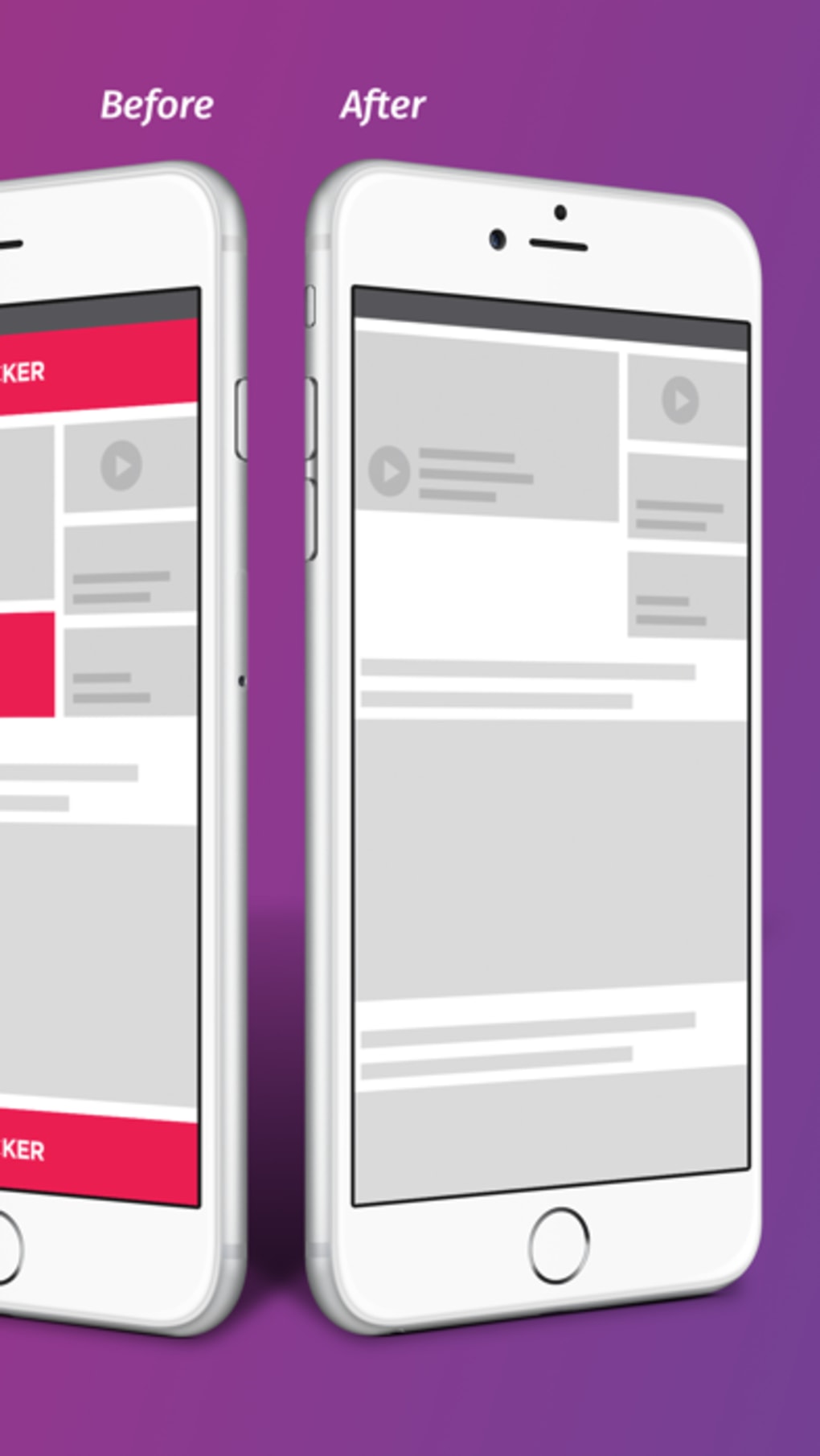
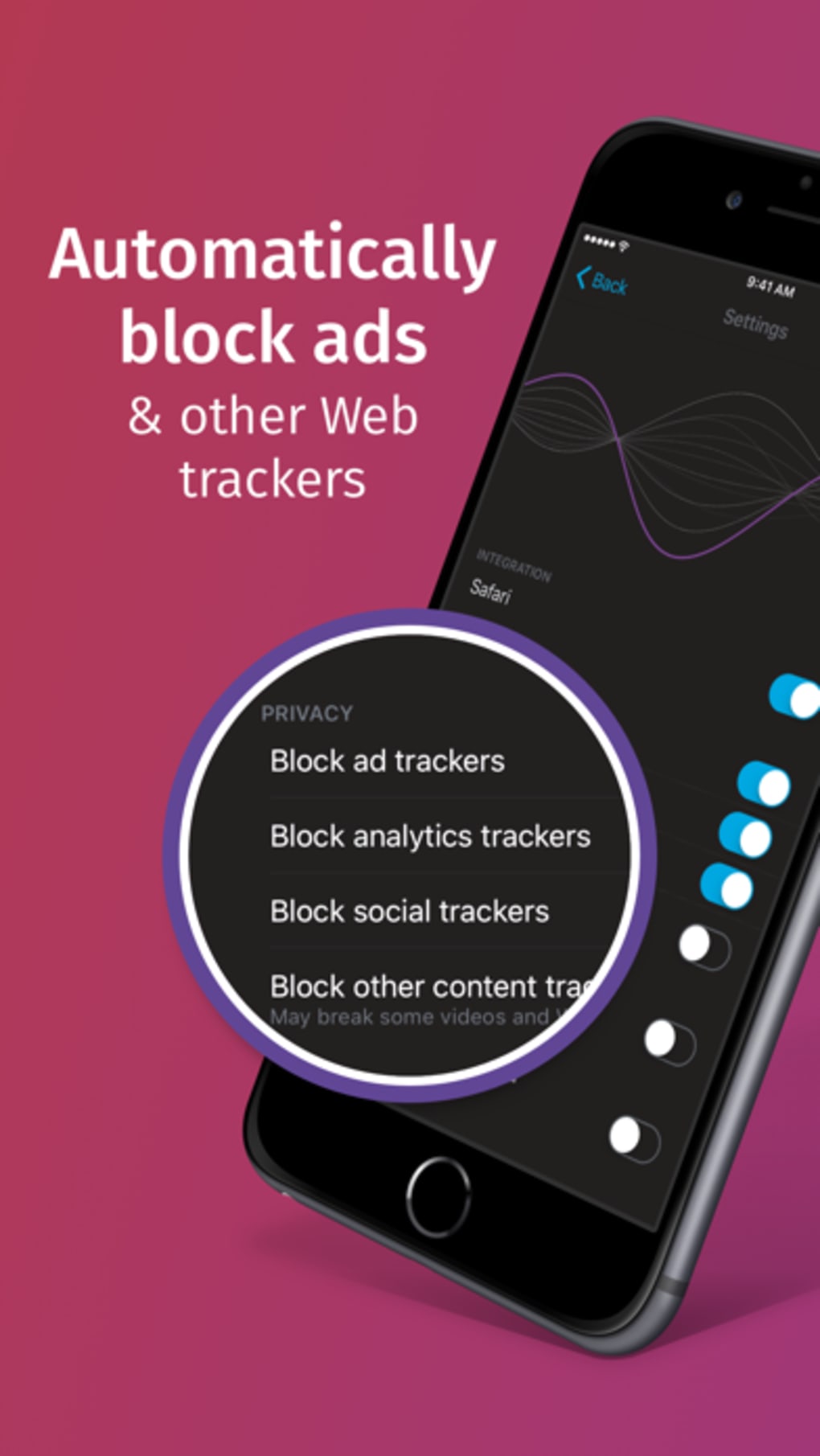
- Tracker Blocking – Automatically blocks analytics, social media, and advertising trackers, reducing data usage and improving page load speed.
- Session-Based Privacy – All browsing data, including cookies and history, is erased when the app is closed, ensuring no trace remains on the device.
- Real-Time Tracker Count – Displays the number of trackers blocked during each browsing session, offering transparency on privacy protection in action.
- Customizable Blocker Settings – Allows users to enable or disable specific tracker categories based on personal privacy preferences.
- Search Engine Flexibility – Users can select their preferred search engine from the settings, supporting customization of the default search provider.
- Share Functionality – Enables users to share web pages with other apps or open them in a regular Firefox browser for saving or further use.
- Quick Erase Feature – A dedicated button beside the URL bar lets users clear all session data instantly without closing the app.
These features are designed to support real-world use cases such as secure research, private shopping, or browsing sensitive content without leaving digital footprints. For example, a user researching medical conditions or financial options can use Firefox Focus to avoid targeted ads based on their search behavior. The ability to share pages with other apps enhances usability, allowing users to transfer content to note-taking or email apps without compromising privacy. Although the app does not store data, its functionality remains effective for short-term, high-privacy needs. The absence of persistent features ensures that no personal information is retained, aligning with the app’s mission to provide anonymous surfing.
Interface, UX & Performance
Firefox Focus features a minimalist user interface with a clean, distraction-free layout. The design centers around a single URL bar at the top, with a prominent search button and a tracker counter displayed inline. Navigation is straightforward: users enter a web address or search query, and the browser loads the requested content.
The visual style emphasizes simplicity and functionality, avoiding unnecessary buttons or menus. The app’s performance is optimized for speed and efficiency, with web pages loading faster due to the blocking of non-essential elements like trackers and scripts. Although the developer did not list formal performance metrics, the app’s lightweight nature—36.2 MB in size—suggests efficient resource usage.
It is designed to operate smoothly on a range of Android devices, including mid-tier and older models. Responsiveness is consistent during active sessions, though some users may encounter occasional instability, such as unexpected reloads or session resets. The app’s stability appears to vary across device types, though specific requirements were not disclosed.
Overall, the user experience is streamlined for privacy-first users who prioritize speed and security over advanced browsing features.
Platform Compatibility & Technical Requirements
Firefox Focus Privacy browser is available exclusively on the Android platform. It is compatible with Android devices running version 6.0 and above, as indicated by the app’s versioning and distribution standards. The app has a file size of 36.2 MB, which is relatively small for a modern mobile browser, reflecting its lightweight design.
The current version is 2024.08, released on August 15, 2024. The developer did not specify minimum OS requirements beyond the platform. Compatibility with specific hardware or screen sizes was not disclosed.
Users should ensure their device meets standard Android requirements for app installation. The app does not require root access or special permissions beyond standard internet and storage access. It is available for free download and update through official Android app stores.
Pros and Cons
Pros
- Provides a secure, private browsing experience with no data retention.
- Effectively blocks trackers, improving page load speed and reducing data usage.
- Minimalist interface enhances focus and reduces distractions.
- Allows users to customize blocker settings and search engine preferences.
- Small file size ensures efficient storage usage on mobile devices.
- Free to download and use with no in-app purchases or ads.
Cons
- Lacks essential features such as bookmarks, tabs, and saved passwords.
- Session data is permanently erased upon closing the app, limiting long-term usability.
- Not suitable as a primary browser for users needing persistent browsing history.
- Occasional performance glitches reported by some users, requiring app restarts.
- Does not support syncing across devices or cloud-based data access.
FAQ
Is Firefox Focus safe to use for private browsing?
Yes, Firefox Focus is designed with privacy as a core principle. It does not store cookies, browsing history, or passwords, and blocks trackers by default, making it a secure choice for anonymous surfing.
Can I save web pages from Firefox Focus?
While the app does not save pages permanently, you can share them with other apps or open them in a regular Firefox browser for saving.
Does Firefox Focus support multiple tabs or bookmarks?
No, the app does not include tabs or bookmarks. It is designed for single-session, ephemeral browsing to maintain privacy.
Is Firefox Focus available on iOS?
Firefox Focus is currently available only on Android. The developer did not disclose plans for iOS availability.
How often is Firefox Focus updated?
The app is updated regularly, with the latest version released on August 15, 2024. Updates typically include security improvements and tracker blocker enhancements.
Final Thoughts
Firefox Focus Privacy browser stands out as a dedicated mobile privacy tool for users who demand a secure, fast, and anonymous browsing experience. Its minimalist design and robust tracker-blocking capabilities make it ideal for temporary or sensitive web access. While it lacks the functionality of a full-featured browser, this limitation is intentional and aligns with its privacy-first mission.
It is not recommended as a primary browser for everyday use but excels in scenarios where data privacy and session erasure are critical. The app’s lightweight footprint, free access, and transparent privacy controls make it a valuable addition to any privacy-conscious user’s toolkit. For individuals seeking a reliable mobile privacy tool, Firefox Focus delivers on its promise with simplicity and effectiveness.
Download Firefox Focus now.







